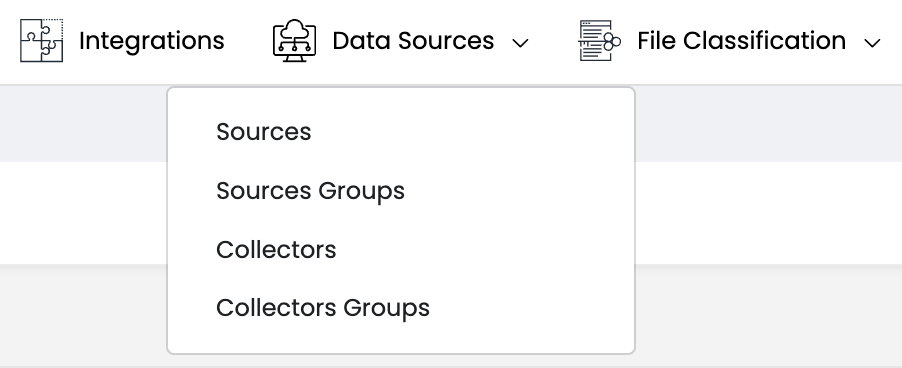
Data Sources Menu
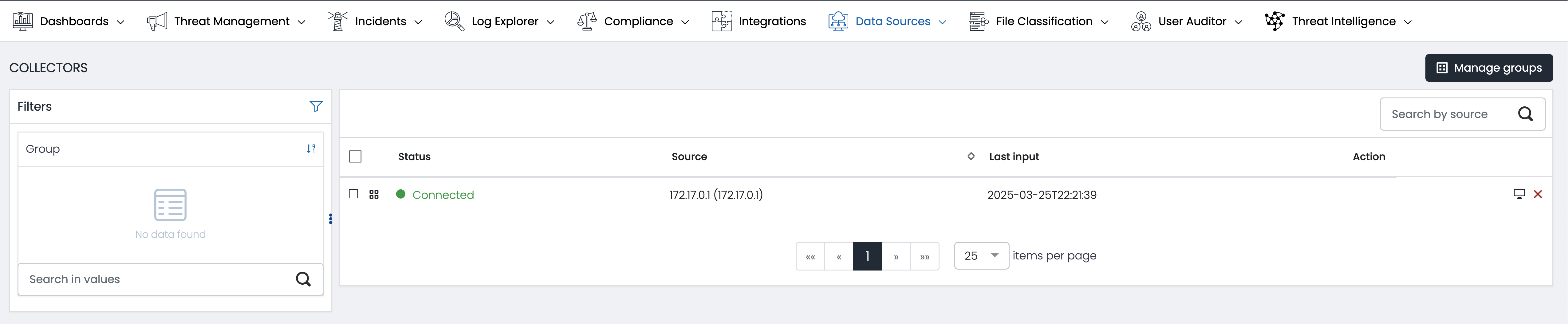
Collectors
Collector Management View:
- This new view allows users to efficiently manage installed collectors. Users can view, edit, and update collector configurations directly through this interface.
Group assignment
Allows users to assign collectors to different groups for organized management.
Steps to use this feature:
Select the desired collectors.- Choose a group from the dropdown list.
- Confirm the assignment.
- Filtering by Names
Filtering by Names
Facilitates the search for specific collectors using a name filtering system.- Enter the name of the collector in the search field.
- The results will automatically update to show only the collectors that match.
View Collector details
Allows viewing detailed information about each collector.
- Click on the desired collector.
- A window will display all the relevant details.
Deletion of collectors
Offers the option to delete collectors that are no longer needed.
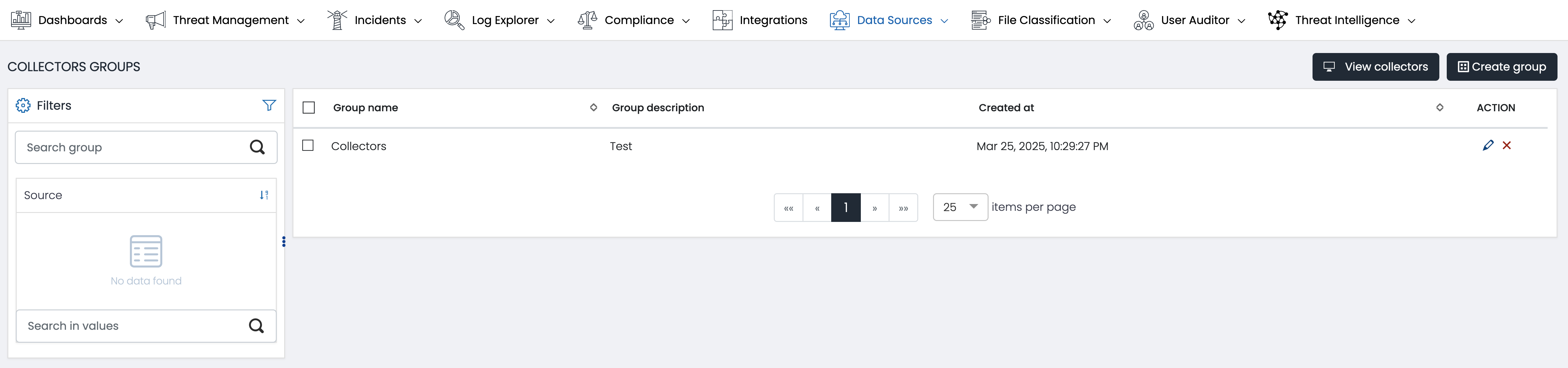
Collector Groups